Features
Stop reinventing the wheel. Angular Material Blocks empowers you to build beautiful, functional Angular applications faster than ever before.
Choose from a wide range of pre-built UI blocks, including forms, banners, hero sections, and more.
Blocks
Building UI for Angular applications just got easier.
We designed the blocks you always wanted for building dashboards, applications, and more. From forms to billing pages, bring your next project to life swiftly.
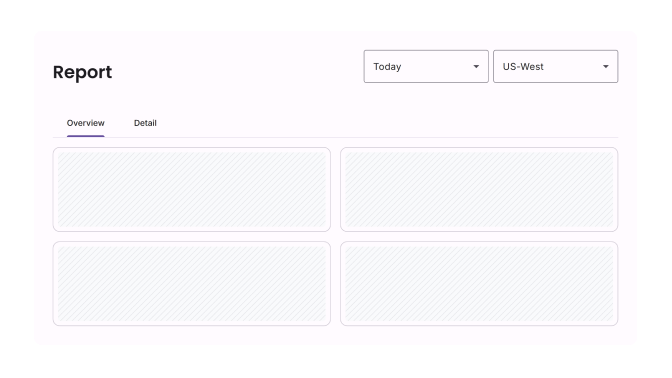
Page Shells
6 blocks
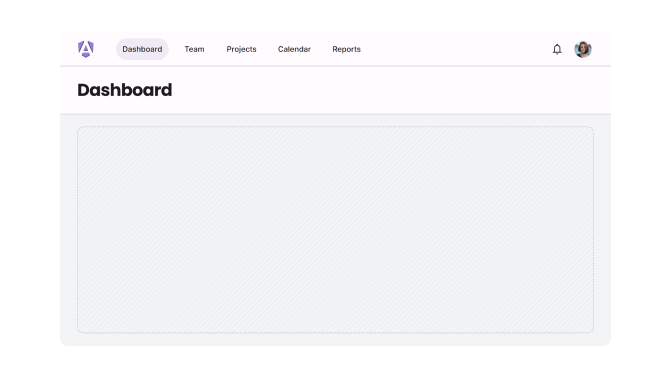
Stacked Layouts
9 blocks
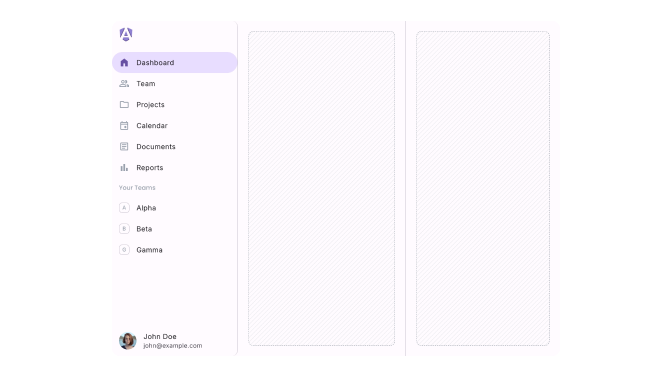
Multi-Column
6 blocks
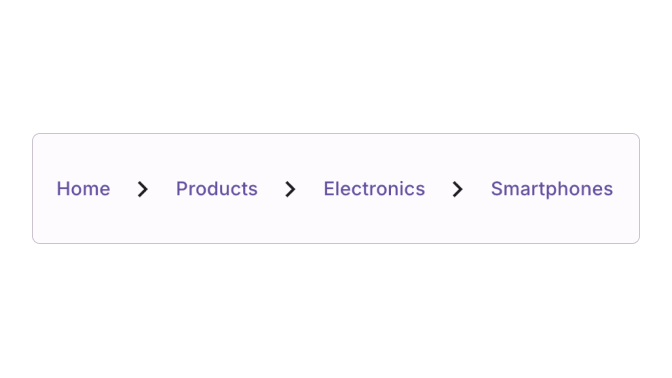
Breadcrumbs
1 blocks , 3 examples
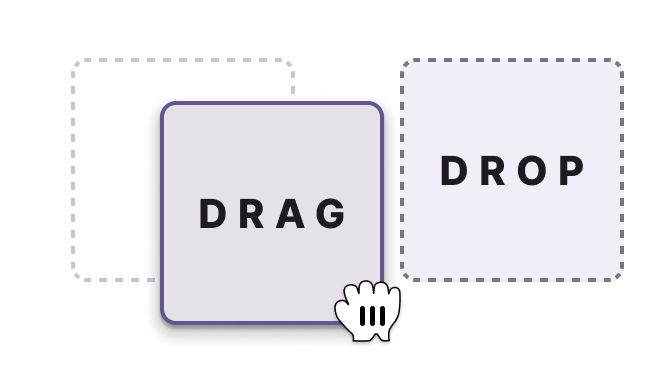
Drag Elements
1 blocks
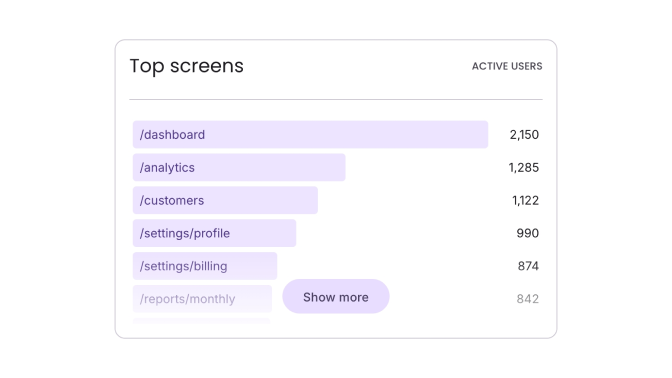
Bar List
1 blocks
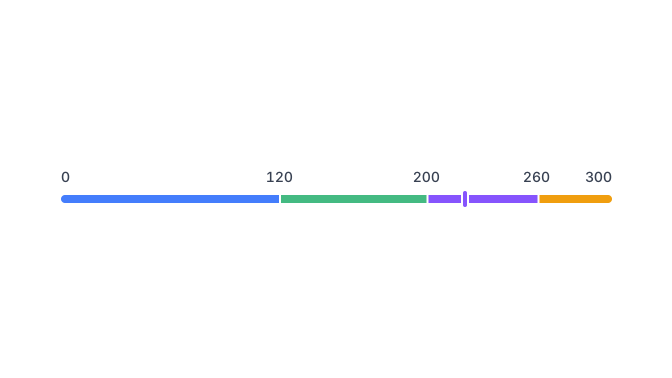
Category Bar
1 blocks , 1 examples
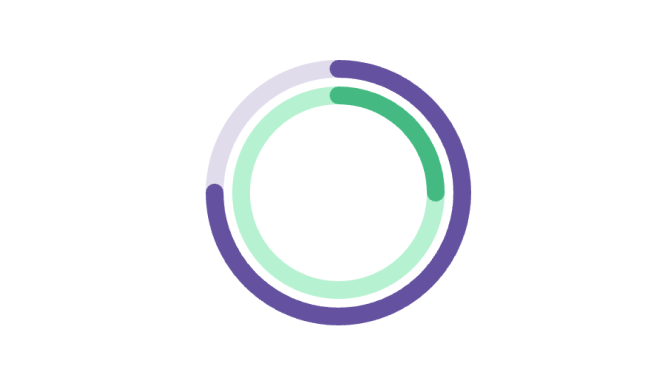
Progress Circle
1 blocks
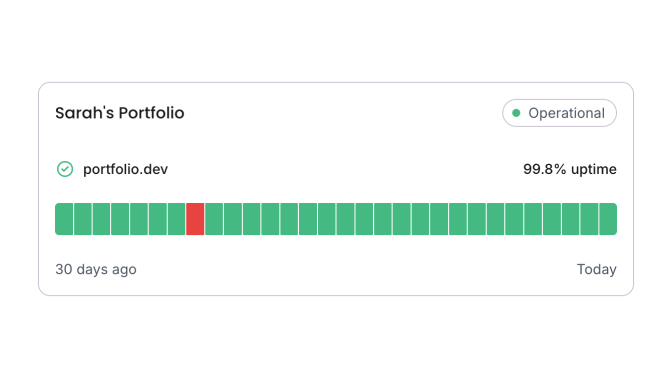
Tracker
1 blocks , 1 examples
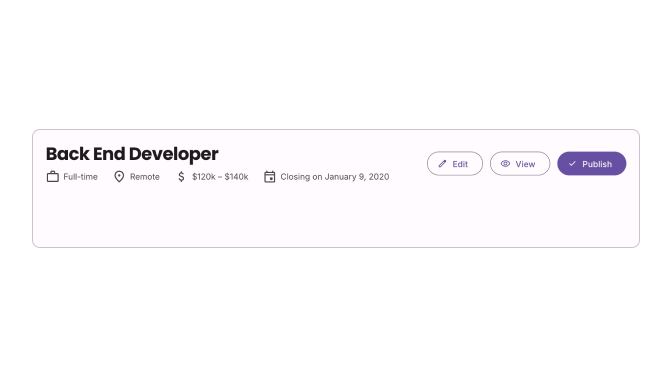
Page Headings
13 blocks
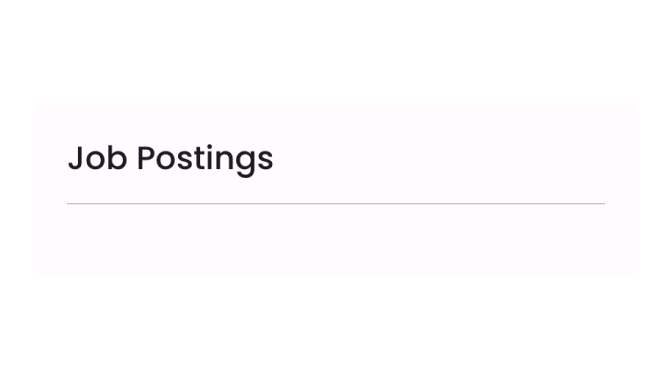
Section Headings
10 blocks
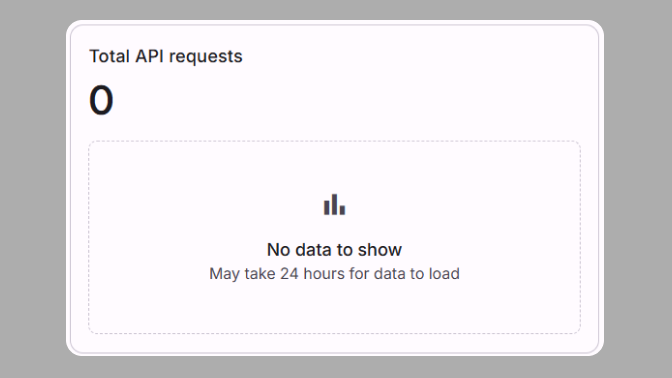
Empty States
10 blocks
Templates
Beautiful website templates built with Angular Material
Website templates crafted with Angular, Angular Material and Tailwind CSS. Ideal for launching your next project with a modern tech stack.
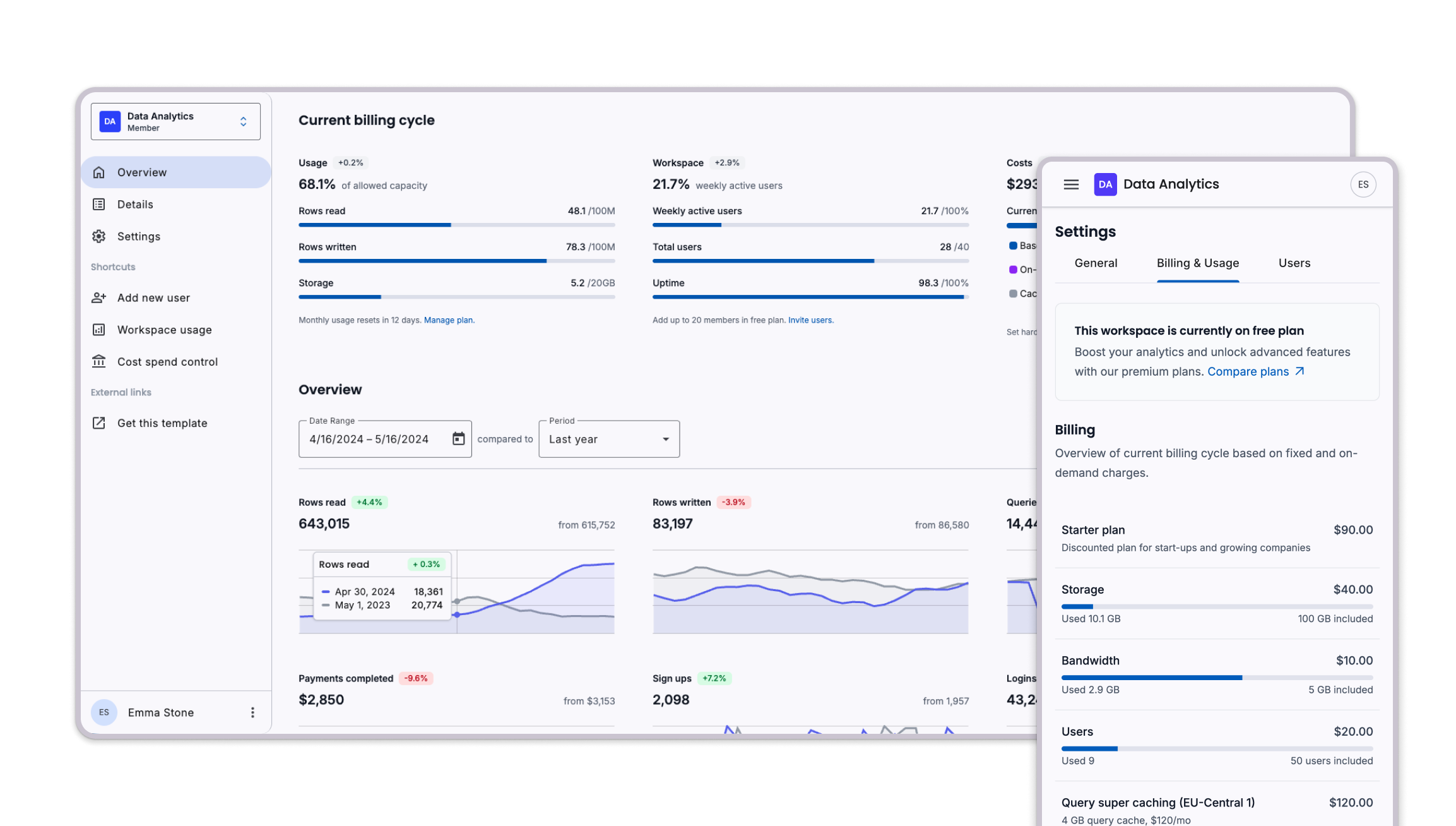
Dashboard Template
A comprehensive dashboard template featuring analytics, charts, tables, and responsive design. Built with the latest Angular Material components and best practices.
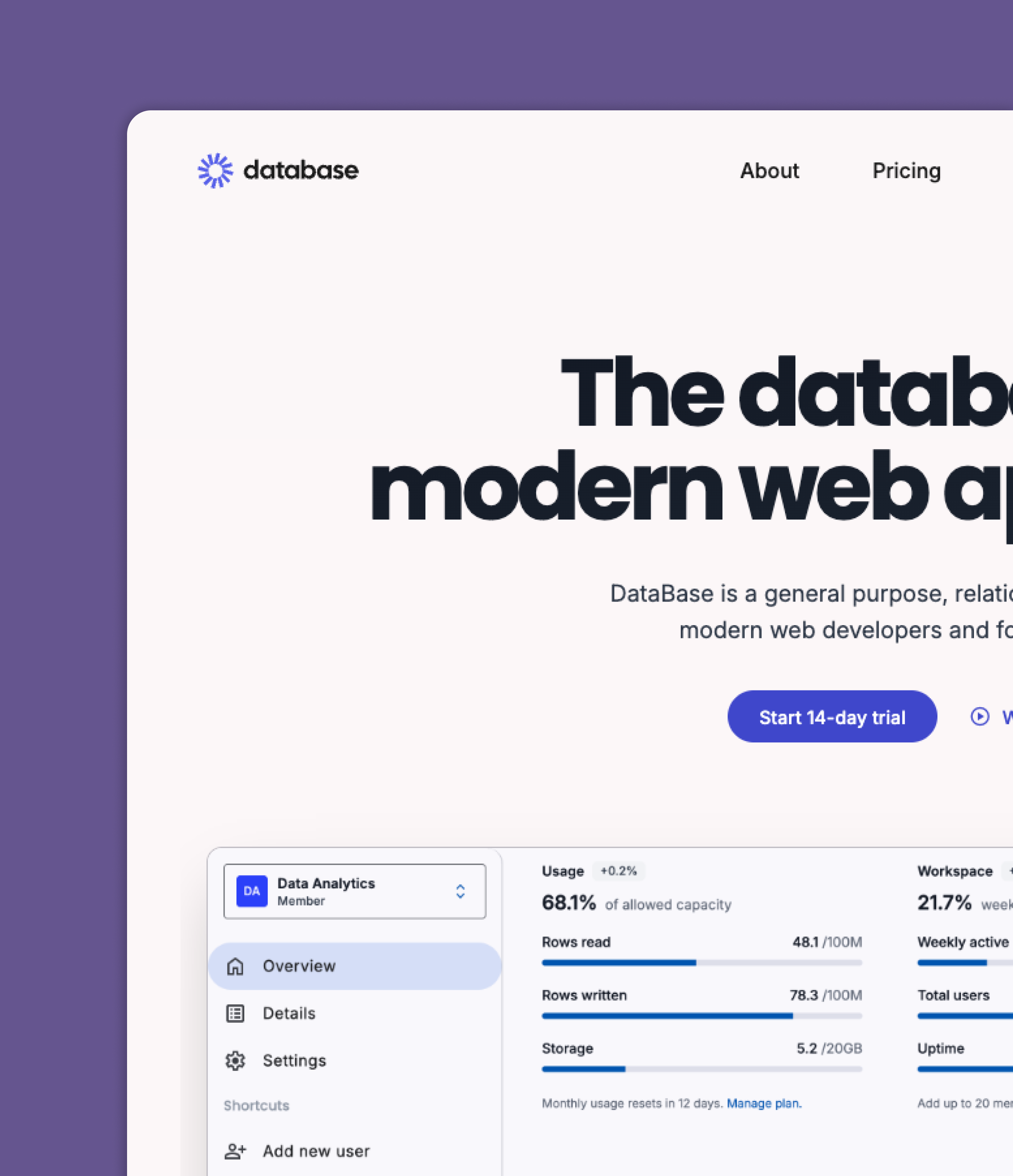
SaaS Marketing Website
Launch your next SaaS, Dev Tool, or related project with a beautiful website template.
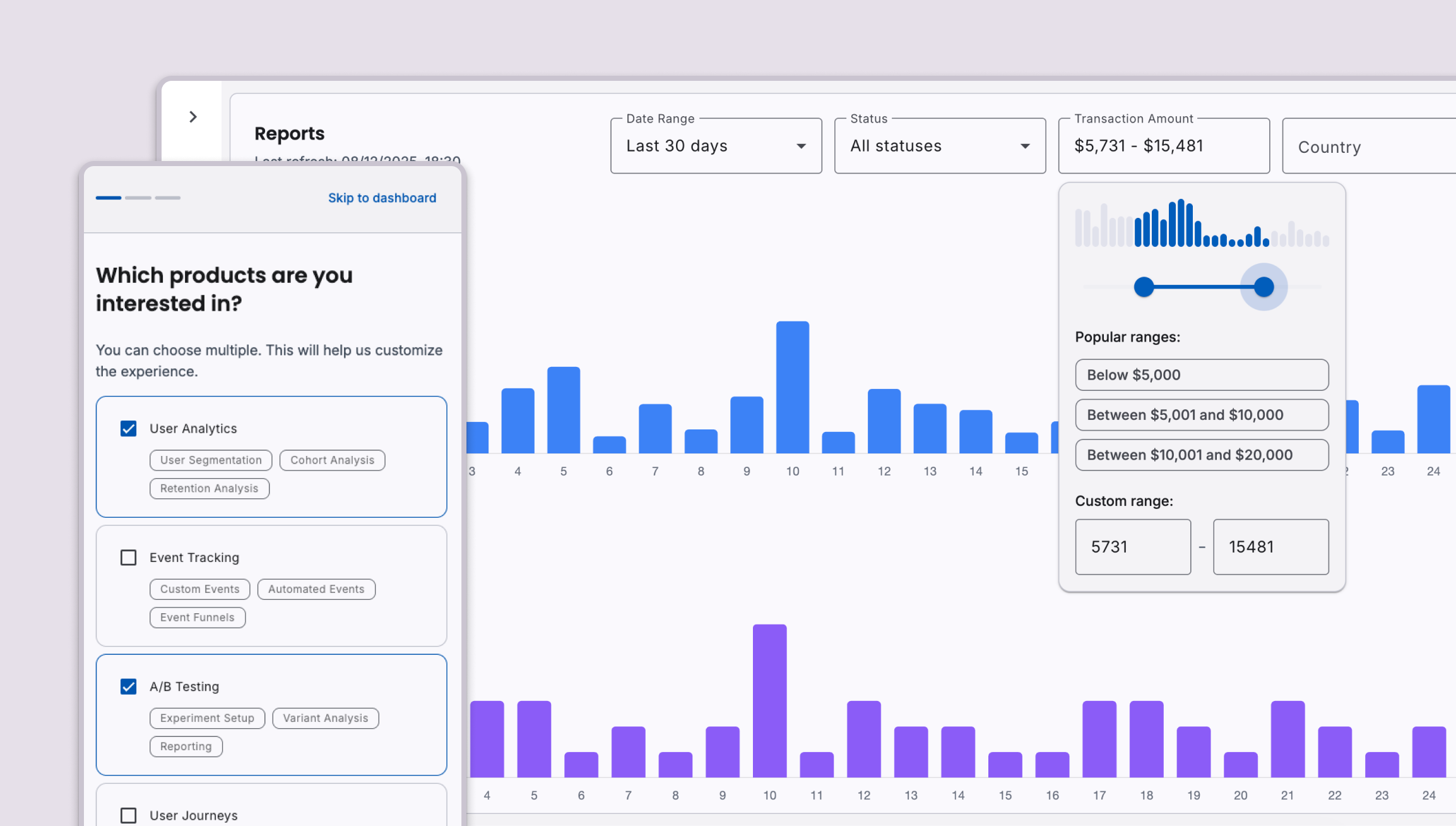
Insights Template
A template for feeding and tracking data with clarity. Built with Angular and features intuitive UI elements along with dynamic filtering options, such as URL query parameters.
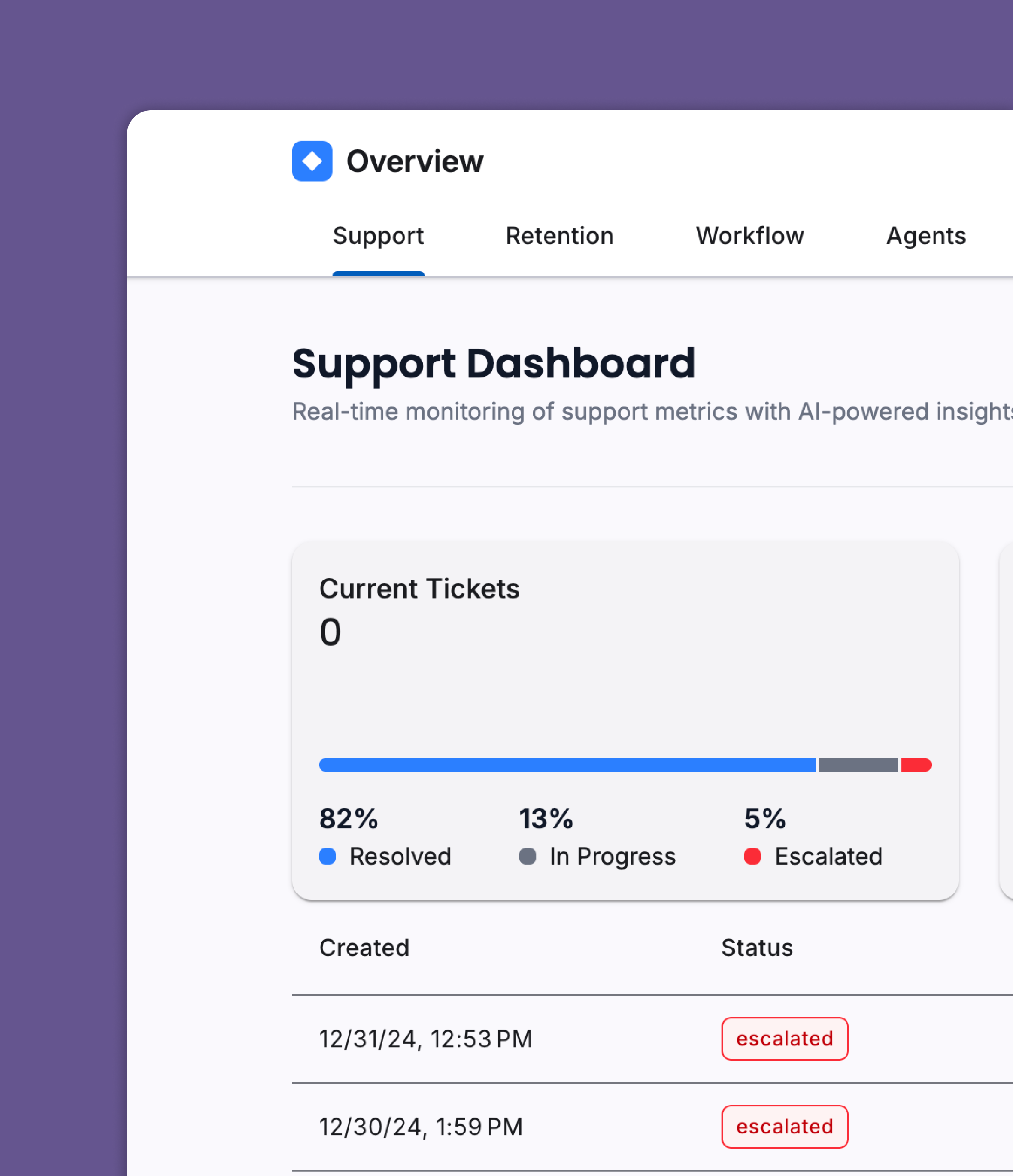
Overview Template
A template for displaying an overview of data with charts and tables.
CLI
Go beyond copy-pasting, and build your app with the CLI.
Install, add, and update blocks effortlessly with our powerful command-line interface. Streamline your workflow and boost productivity.
- 1npx @ngm-dev/cli initInitialize a new project
- Creates postcssrc.json
- Installs tailwindcss and @angular/material
- Adds needed styles in angular.json
- Configures Material Symbols
- 2npx @ngm-dev/cli addAdd a block to the project
- Downloads all needed files
- Asks to install missing dependencies
- Adds the block to the project
- Configures relative imports
- 3npx @ngm-dev/cli updateUpdate the blocks in the project
- Compares local blocks with the remote ones
- Shows the differences
- Asks to update the blocks
Loading...
MCP Server
Model Context Protocol for Angular Material Blocks
Our MCP server provides superior AI-assisted development. Enhance your IDE with direct access to all Angular Material Blocks for smarter code generation.
Add the following to your MCP config file, then restart your IDE:
{
  "mcpServers": {
    "ngm-dev-mcp": {
      "command": "npx",
      "args": [
        "-y",
        "@ngm-dev/cli",
        "mcp",
        "full/path/to/angular/project"
      ]
    }
  }
}
* Typically full path of current working directory
MCP is an open protocol enabling applications like IDEs to better understand project context when interacting with LLMs. This integration allows your AI coding assistant to directly access all Angular Material Blocks.
Works with:
Ask your IDE to:
Pricing
Unlock Everything, Forever
When you buy the access, you gain access to everything included on this platform. This includes all 500+ blocks and 4 templates, and any future additions we make. There are no recurring subscriptions, and you won't be charged for updates.




FAQ
Frequently Asked Questions
Have a different question and can't find the answer you're looking for? Reach out to our support team by sending us an email to [email protected] and we'll get back to you as soon as we can.
- All current blocks
- Any future additions we make
- Lifetime access to all our premium code contents
| Package | Version |
|---|---|
| Angular | 19 |
| @angular/cdk | 19 |
| @angular/material | 19 |
| tailwindcss | 4 |
Can I build/sell templates or themes using Angular Material Dev UI (or Angular Material Blocks) components or blocks?
No, you are not permitted to use Angular Material Dev UI (or Angular Material Blocks) Components or Blocks to create derivative products like themes, UI kits, page builders, or any other form of repackaging and redistributing our components or blocks. For more details, read the License page.